Liquidation RTS · Ungodly mod manual
Three plugins, one loader, about ten minutes
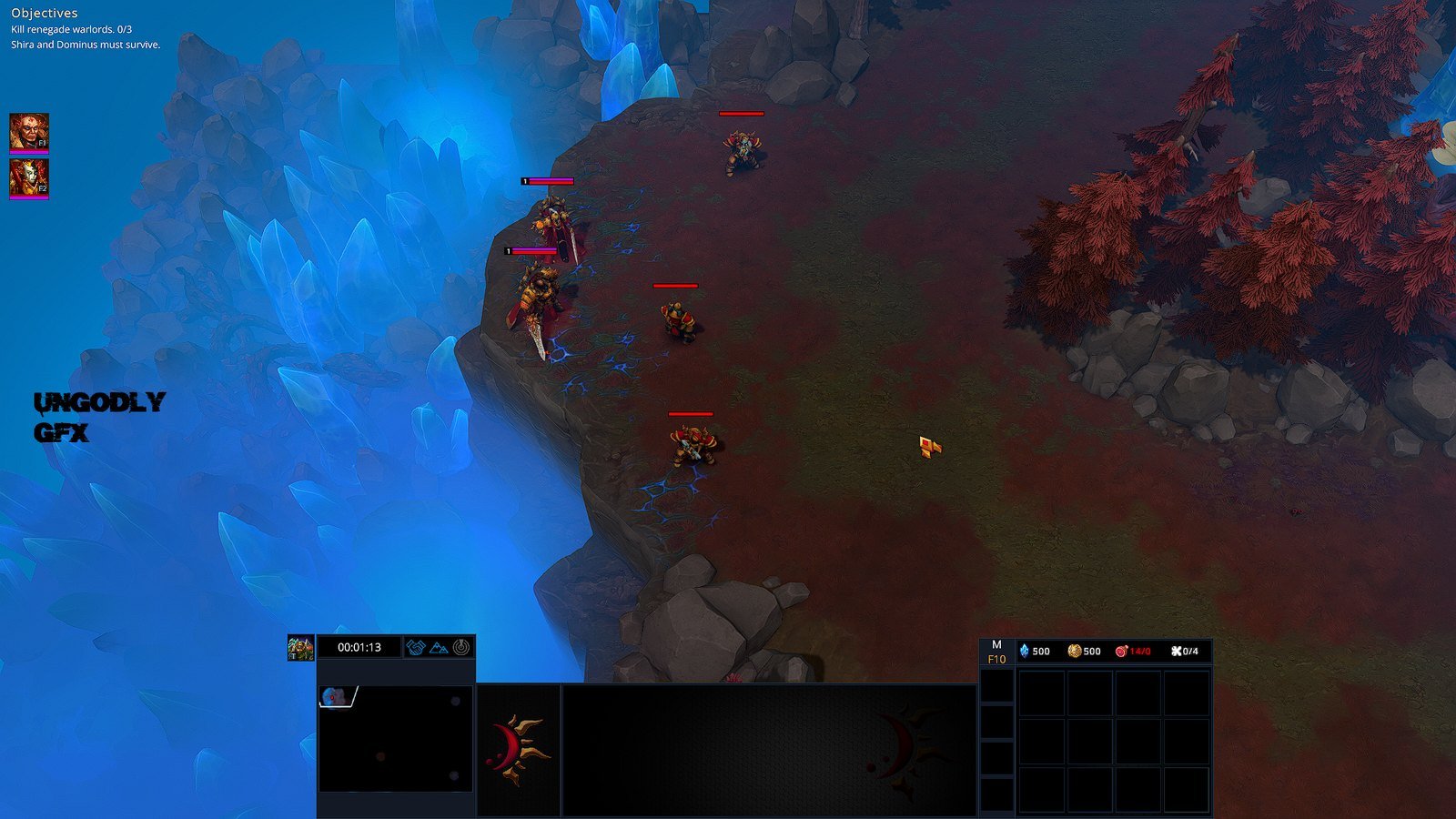
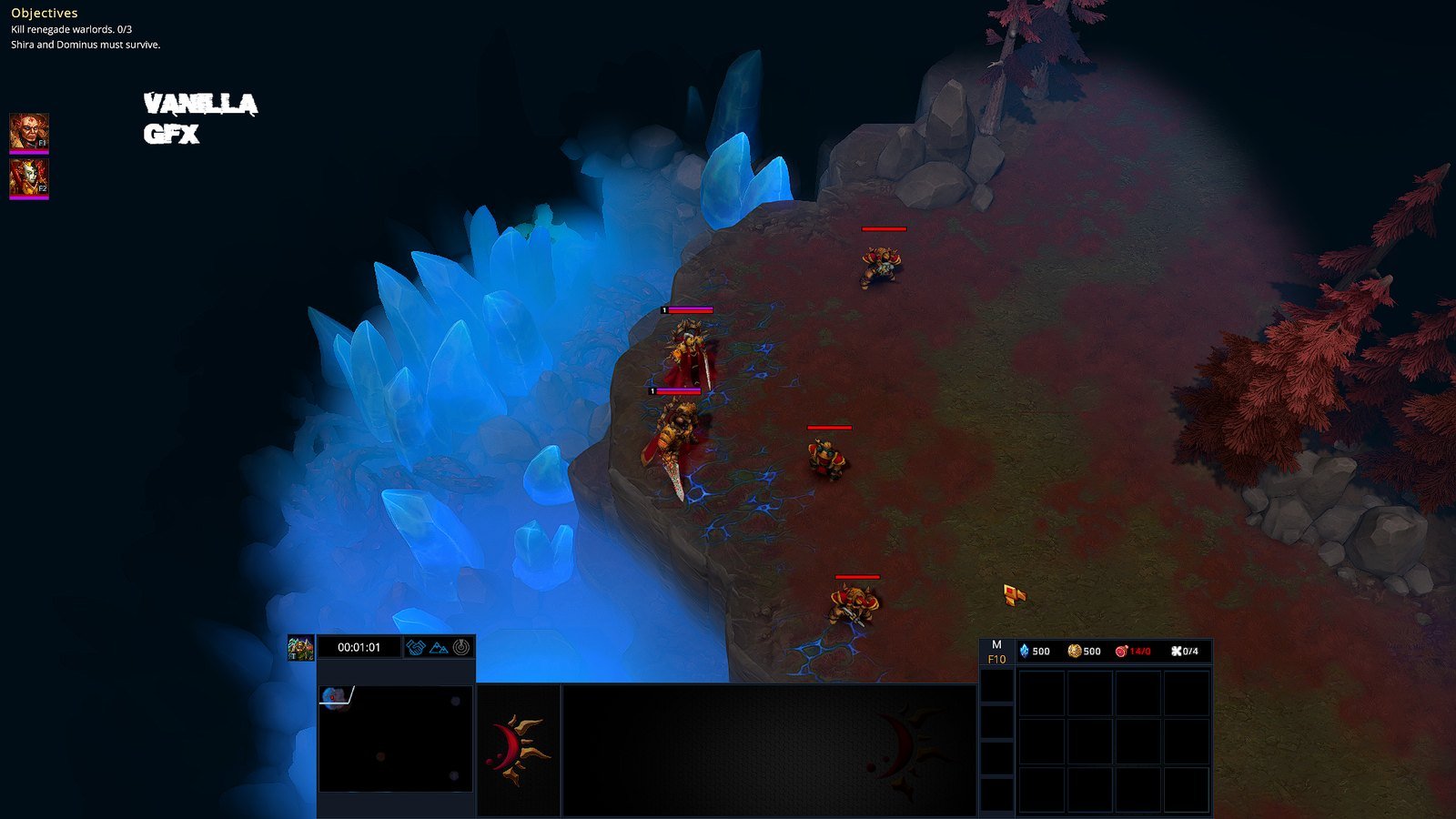
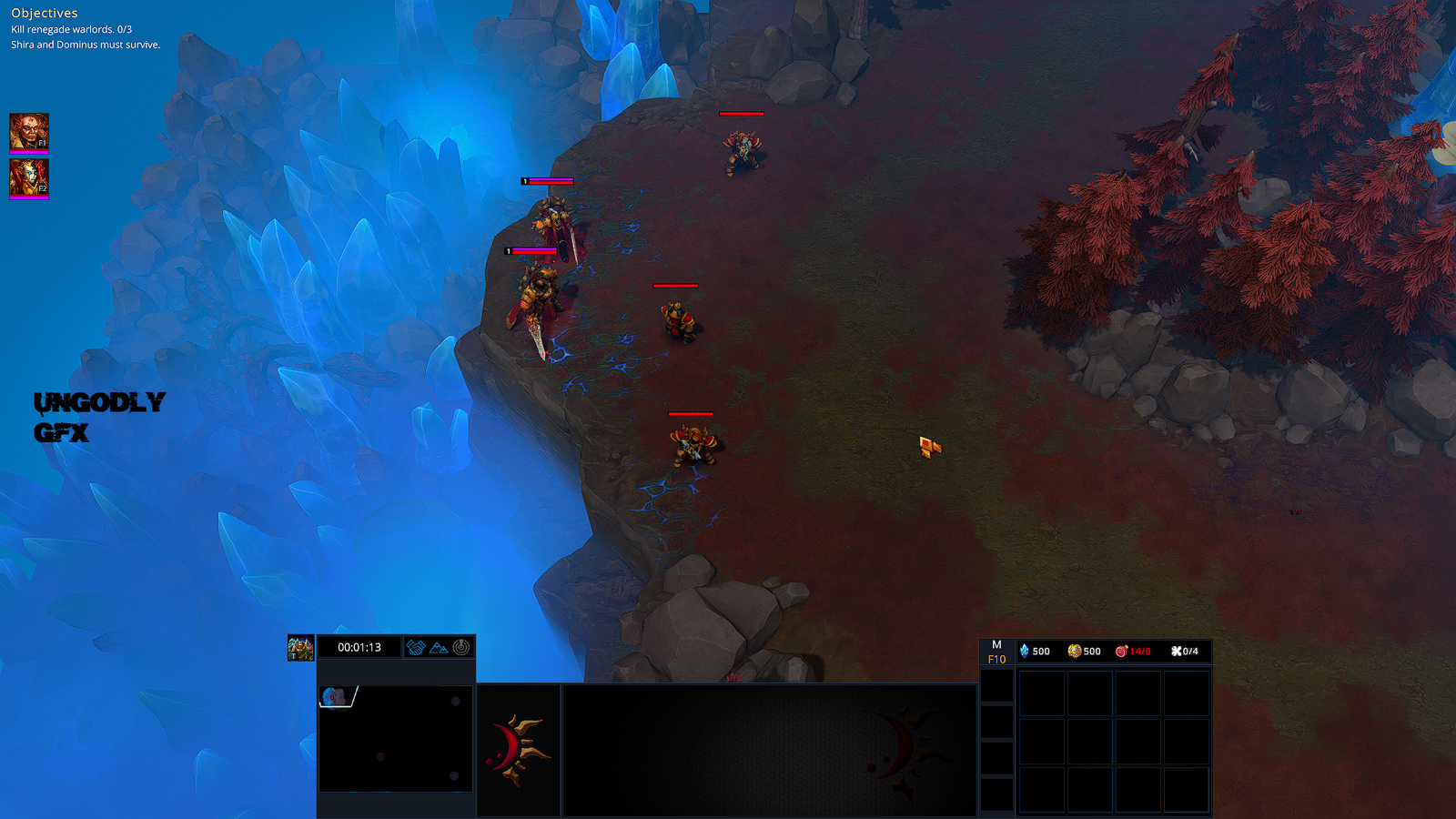
This manual takes a clean Steam copy of Liquidation RTS and finishes with Ungodly Liquidation AI, Gore & Graphics and Leveling all running together. Nothing here is guesswork: every file size, checksum, hotkey and folder name on this site was read off the actual files, and the screenshots are of a working install.
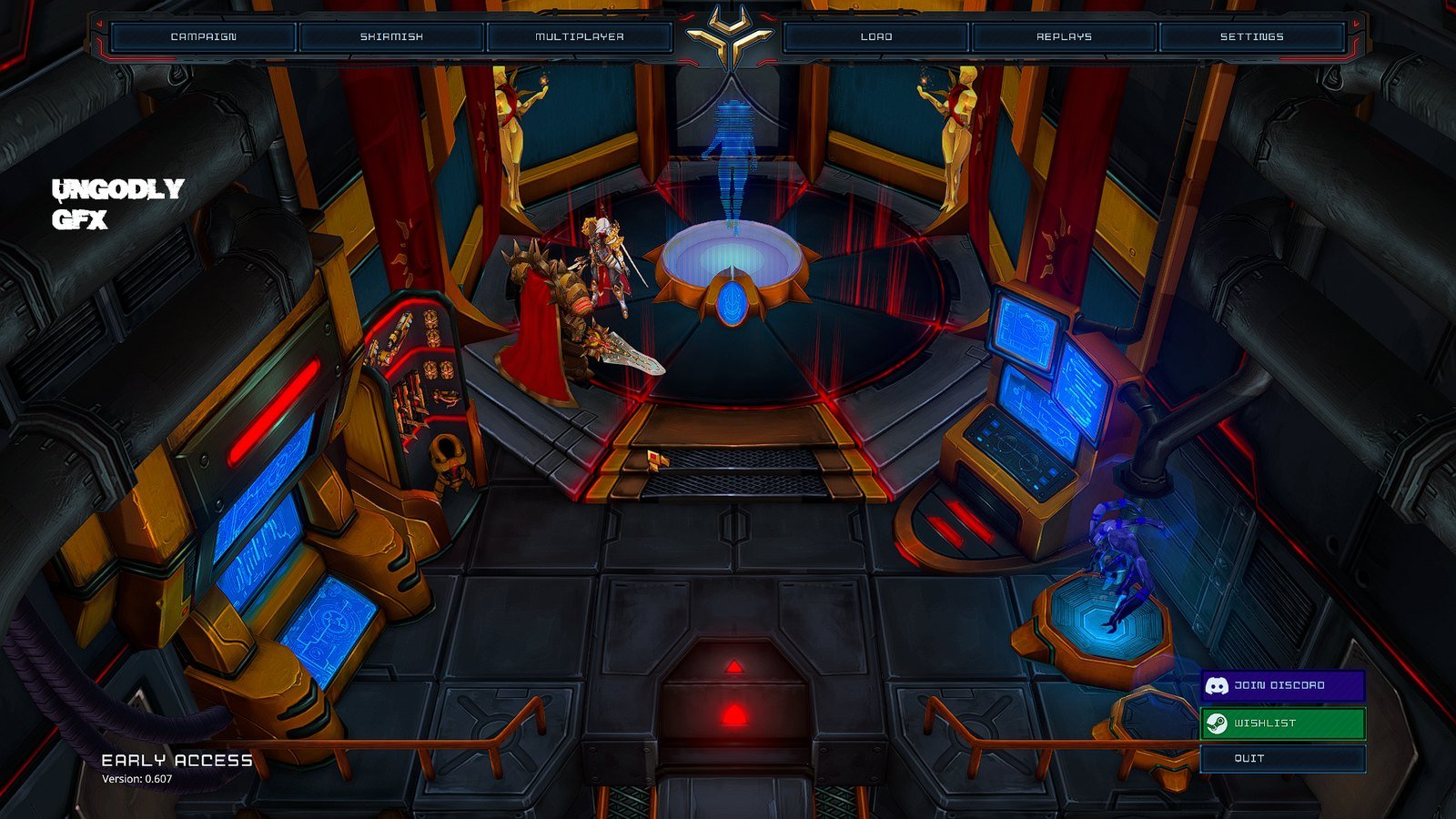
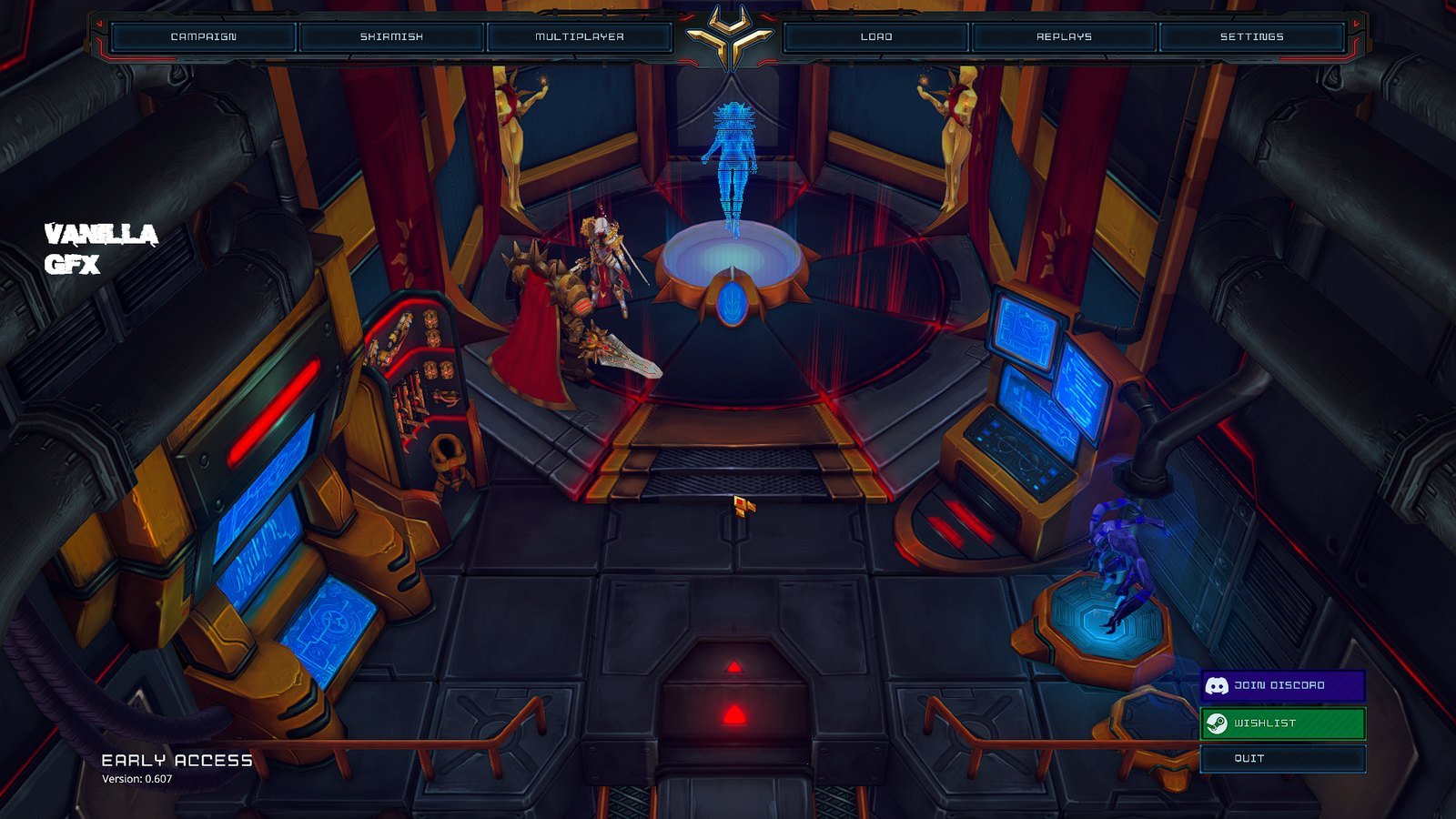
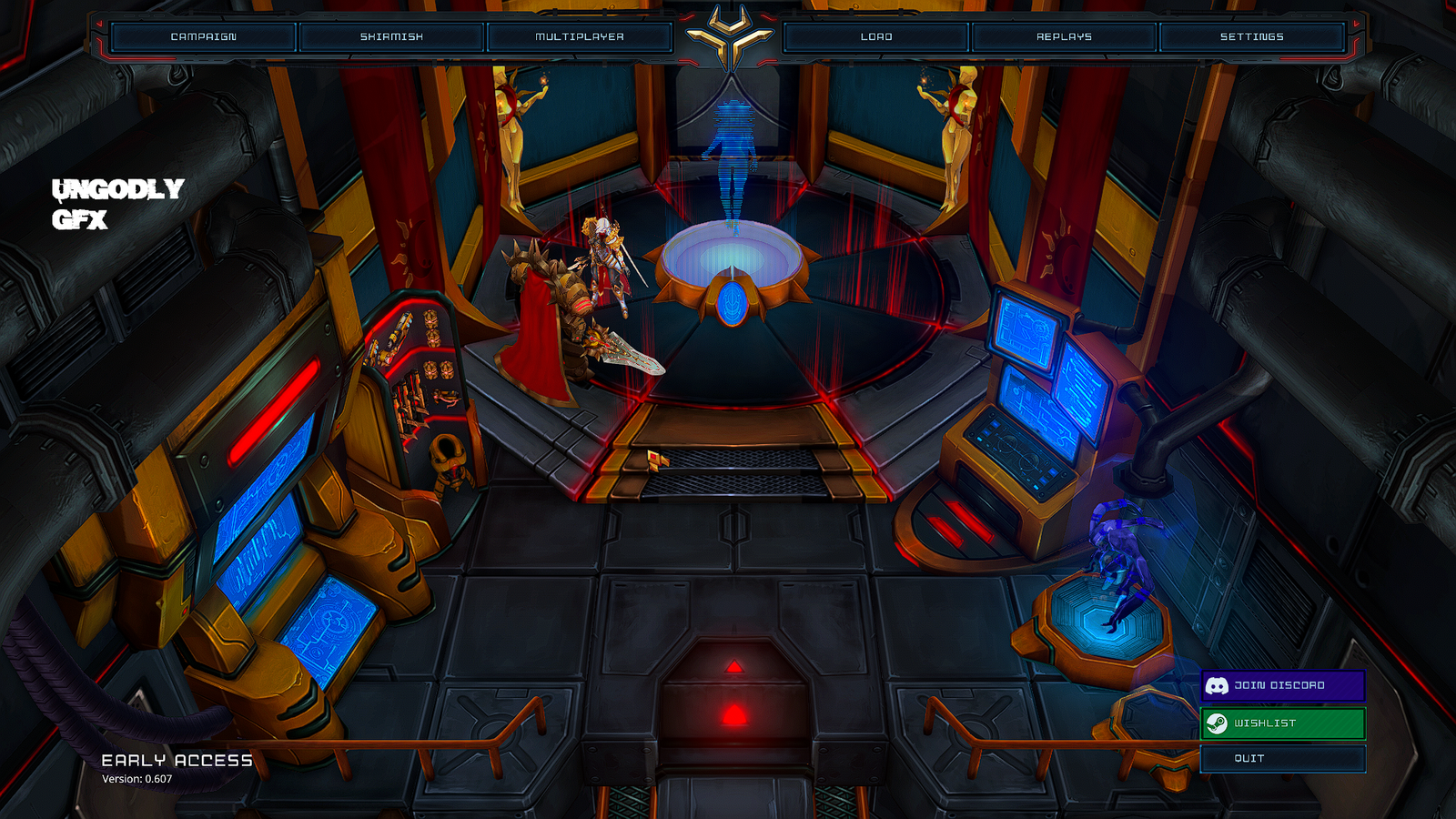
#What you are installing
Three separate plugins. They are independent — install one, two, or all three — but they were built as a set and each knows the other two exist, so nothing collides.
Ungodly Liquidation AI
v1.0.8 Opens with F6 or InsertReplaces enemy AI behaviour, pathfinding, tactical cover and retreat, target hygiene, and coroutine scheduling.
- A two-level hierarchical pathfinder: a coarse sector route, then a budgeted A* confined to that corridor. Danger-aware costs, no diagonal corner cutting, line-of-sight string pulling, and a route cache shared by starting sector.
- A backward-chaining GOAP planner that picks between Advance, Hold, Reposition, TakeCover, Retreat, Kite, Flank and Regroup.
- Weighted tactical scoring for high ground, cover, enemy pressure, escape routes, spacing, crossfire angles, weapon-range fit and travel cost.
- Target hygiene: units release a target that has changed to their own side. New in v1.0.8, and it repairs a bug in the game itself.
- Coroutines moved to More Effective Coroutines Pro v3.17.0 for background work only — never for AI or pathfinding, because MEC ticks on the frame rate.
- The stock game teleports wedged units onto the nearest free tile. That is suppressed unconditionally; stuck units walk out under their own power.
- File
- UngodlyLiquidationAI.dll
- Size
- 220 KB (224,768 bytes)
- Plugin id
- com.stixsworldhd.ungodlyliquidationai
- Built against
- BepInEx 5.4.23.2, 0Harmony 2.9.0.0
Ungodly Liquidation Gore & Graphics
v1.2.0 Opens with F7 or InsertPermanent gore, a full render-pipeline and post-processing overhaul, unlimited draw distance, and a coroutine scheduler takeover.
- The game deletes a corpse after exactly 45 seconds. This takes a frozen snapshot the instant before that happens and leaves it on the battlefield for the rest of the match.
- Ground blood where units died and were hit, severed limbs that stay where they land, impact spray, and scorch instead of blood for mechanical and armoured units.
- Exposes the whole Universal Render Pipeline: render scale, MSAA, HDR, every shadow parameter, LOD bias, texture quality, anisotropic filtering, SRP batcher, per-camera anti-aliasing.
- A complete post-processing stack the game does not offer at all: bloom, tonemapping, exposure, contrast, saturation, hue, white balance, vignette, film grain, chromatic aberration, sharpening, and separate shadow and highlight tinting.
- Unlimited draw distance measured per map from the real terrain size, an option to switch off distance haze, and a fog-of-war reveal that uses the game's own full-vision mode.
- Reroutes the game's own coroutines onto More Effective Coroutines Pro — a real scheduler takeover, not just MEC for the mod's own jobs.
- File
- UngodlyLiquidationGoreGFX.dll
- Size
- 284 KB (290,816 bytes)
- Plugin id
- com.stixsworldhd.ungodlyliquidationgoregfx
- Built against
- BepInEx 5.4.22.0, 0Harmony 2.9.0.0
Ungodly Liquidation Leveling
v1.0.0 Opens with F8 or HomeReplaces experience, the levelling curve, promotion rewards and coroutine scheduling, and fixes three shipped bugs.
- Stock experience is granted only for landing a killing blow. Killer share, assist share, assist radius, assist cap and the split rule all become configurable, and passive experience is added for surviving and for being in combat.
- The stock curve is a flat 200 per level, rebuilt as a fresh list inside Experienced.Awake for every unit that spawns. Ten curve algorithms replace it, precomputed once into a shared table.
- The shipped PromotionService has an empty OnLevelUp handler and never reads its three ModifierConfig fields. Real per-level bonuses are granted through the game's own AbsoluteRelativeModifier system, so existing tooltips and saves report them correctly.
- The game starts coroutines from 189 sites. Those are moved onto More Effective Coroutines Pro v3.17.0 to remove the per-yield heap allocation.
- Every formula is rewritten using only integer arithmetic on Int64, because the float transcendentals in the original asset are not bit-identical across CPUs and would desync a lockstep match.
- File
- UngodlyLiquidationLeveling.dll
- Size
- 214 KB (219,136 bytes)
- Plugin id
- com.stixsworldhd.ungodlyliquidationleveling
- Built against
- BepInEx 5.4.23.2, 0Harmony 2.9.0.0
| Plugin | Opens with | Also opens with | Config file |
|---|---|---|---|
| Ungodly Liquidation AI v1.0.8 | F6 | Insert | com.stixsworldhd.ungodlyliquidationai.cfg |
| Ungodly Liquidation Gore & Graphics v1.2.0 | F7 | Insert | com.stixsworldhd.ungodlyliquidationgoregfx.cfg |
| Ungodly Liquidation Leveling v1.0.0 | F8 | Home | com.stixsworldhd.ungodlyliquidationleveling.cfg |
The Leveling plugin also repairs three bugs in the game's own experience and promotion code — including one that makes the top hero level unreachable, despite the game shipping a Steam achievement for getting there.
#What you need before you start
| The game | Liquidation RTS, Steam app 896250. This manual was written against version 0.607. |
| Windows | 64-bit Windows 10 or 11. The game is 64-bit only, which is why you need the x64 build of BepInEx and not the x86 one. |
| BepInEx | Version 5.4.23.5, the win_x64 build.
Step-by-step on the next page. |
| An unpacker | The mods ship as .rar. Windows cannot open RAR on its
own. 7-Zip is free and handles it. |
| Disk space | About 2.5 MB for everything. BepInEx unpacks to roughly 1.8 MB and the three plugins come to 718 KB. |
Finding your game folder
You need the folder that contains Liquidation.exe. The fastest way
to get there is through Steam itself, which works no matter which drive you installed to:
-
Open the game's properties
In your Steam library, right-click Liquidation RTS and choose Properties.
-
Browse the local files
Open the Installed Files tab and click Browse. Explorer opens directly in the folder you want.
-
Check you are in the right place
You should see
Liquidation.exe,UnityPlayer.dll, and folders calledLiquidation_DataandMonoBleedingEdge. If you do not see those four, you are in the wrong folder.
#The order to do things in
This matters more than it looks. BepInEx has to run once on its own before it will accept plugins, because the folders the plugins live in do not exist until it creates them.
-
Install BepInEx and launch the game once
This creates
BepInEx\plugins,BepInEx\configandBepInEx\LogOutput.log. Quit at the main menu. Full instructions. -
Copy the plugin DLLs in
All three go into
BepInEx\plugins. Full instructions. -
Launch the game a second time
Each plugin writes its own
.cfgfile on this launch. When you see four files inBepInEx\config, all three loaded. -
Open each settings window and set it up
F6 for AI, F7 for Gore & Graphics, F8 for Leveling. Every slider shows its own allowed range and explains what it does.
#What it looks like in a mission
#Is any of this safe to install?
Fair question, and worth answering properly rather than waving it away.
Nothing modifies the game
BepInEx does not patch or alter a single one of the game's files. It works by putting a
winhttp.dll next to the executable, which Windows loads first, and which
then starts the framework. All three plugins change behaviour in memory at runtime. Delete the
files and the game is exactly as Steam installed it. There is nothing to repair and no reinstall
needed.
Verifying what you downloaded
Every file on the downloads page is listed with its exact byte count and its SHA-256 checksum, so you can confirm that what landed on your disk is what left here. That page also explains how to run the check in one line of PowerShell.
About the mirrors
The download mirrors are hosted on my own paid Google Drive account. I control that account, I uploaded those files, and nobody else can put anything in there — so I can vouch for what you get from them in a way that nobody can vouch for a random reupload site. They are also usually faster than my own server, because you are pulling from Google's network rather than mine.